6 Best Document360 Alternatives in 2026: A Detailed Comparison
For SaaS teams, the right knowledge base can make or break your support experience. It’s how you deflect repetitive tickets, empower users with self-service, and keep your team focused on higher-value work.
Document360 is one of the better-known tools in this space. With AI features like Ask Eddy for instant answers, version control, and multilingual support, it’s trusted by scaling SaaS companies to manage documentation and API guides.
Despite its strengths, it isn’t a perfect fit for every team.
As companies grow, they often run into a few common roadblocks:
- Pricing creeps up fast. With no free plan and add-ons for extra storage, seats, and AI credits, costs can balloon quickly for startups or smaller SaaS teams.
- Migration quirks. Moving content in and out isn’t always seamless. Imports work, but updates across projects or bulk migrations can get messy and time-consuming.
- Not always beginner-friendly. While the editor itself is solid, structuring a large knowledge base or onboarding non-technical users comes with a learning curve.
That’s why teams start looking for alternative knowledge base solutions that are faster to set up, more affordable, and often bundled with wider support capabilities.
Below, we’ve rounded up 6 of the best Document360 alternatives in 2026 that can help you create beautiful, easy-to-maintain docs without the extra friction.
Key Takeaways
- To eliminate the manual work of documentation: InstantDocs is the AI creation engine. It automatically generates step-by-step guides and videos from screen recordings, cutting content creation time by up to 90%.
- To link documentation directly to a Jira workflow: Confluence is the go-to for technical teams. It offers a powerful internal wiki for project management and developer docs within the Atlassian ecosystem.
- For total brand control and deep analytics: Helpjuice is the premium choice. It provides powerful customization and data for teams that want to manually fine-tune every detail of their knowledge base.
- To deliver instant answers to internal teams in Slack: Guru is the real-time solution. It brings bite-sized, verified knowledge directly into your team's existing workflow, but it is not for customer-facing docs.
- To search for insights across multimedia content: Bloomfire is the knowledge engagement platform. It uses AI to find answers inside videos and team Q&A sessions for large, internal teams.
- To build a simple and fast internal wiki: Nuclino is the lightweight choice for startups. It offers a clean, collaborative space without the complexity of larger, enterprise-grade systems.
Alternative #1: InstantDocs; The Best AI Documentation Tool
Most knowledge base tools, including Document360, are designed for one primary purpose: to store and manage documentation that your team writes manually.
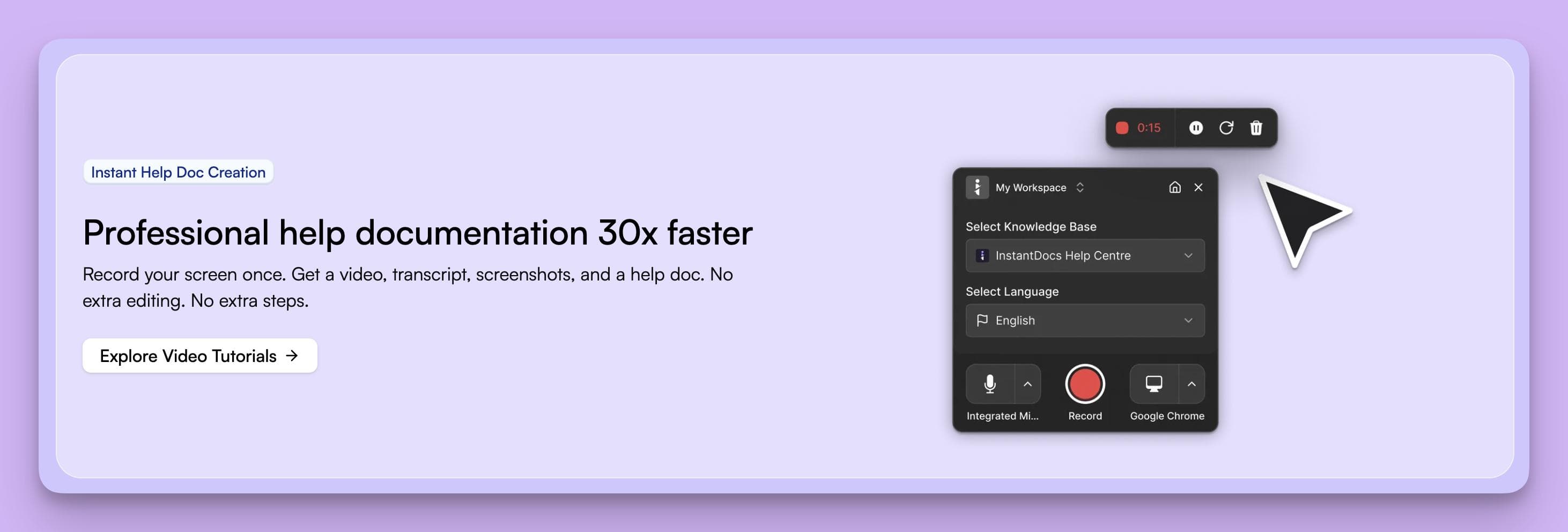
InstantDocs was built on the opposite principle. It automates the creation of that documentation for you.
It’s an AI-native platform that uses screen recordings and help desk data to automatically generate step-by-step guides and video tutorials.
This shifts your knowledge base from a passive library you have to constantly maintain into an active content creation engine that builds and updates itself. Hence, freeing your team to focus on customers.
How InstantDocs' Features Outpace Document360
While Document360 provides a robust platform to manage documentation you've already written, InstantDocs is built to create that documentation for you, often before your team even realizes it's needed.
Here’s how its core features solve some of Document360's frustrations:
1. AI Guide Generation from Screen Recordings
With Document360, creating a how-to guide is a manual, multi-step process. You need to perform the task, take screenshots, upload them, annotate them, and write out every step.
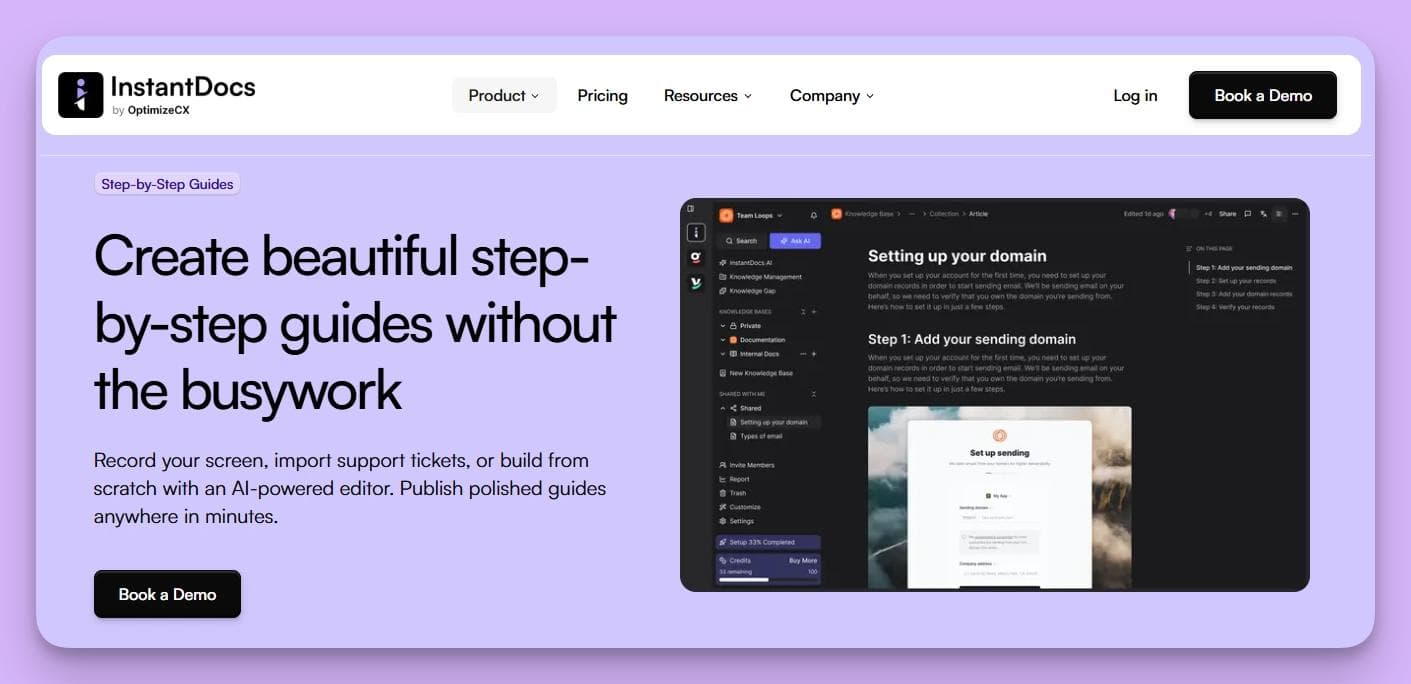
InstantDocs automates this entirely.
Simply record your screen performing the task, and its AI automatically generates a perfect step-by-step guide, complete with cropped screenshots, annotations, and formatted text.
It turns a 30-minute task into a 30-second one.
2. Proactive "Tickets-to-Docs" Automation
A Document360 knowledge base is a passive library because it's only as helpful as the content you remember to manually add.
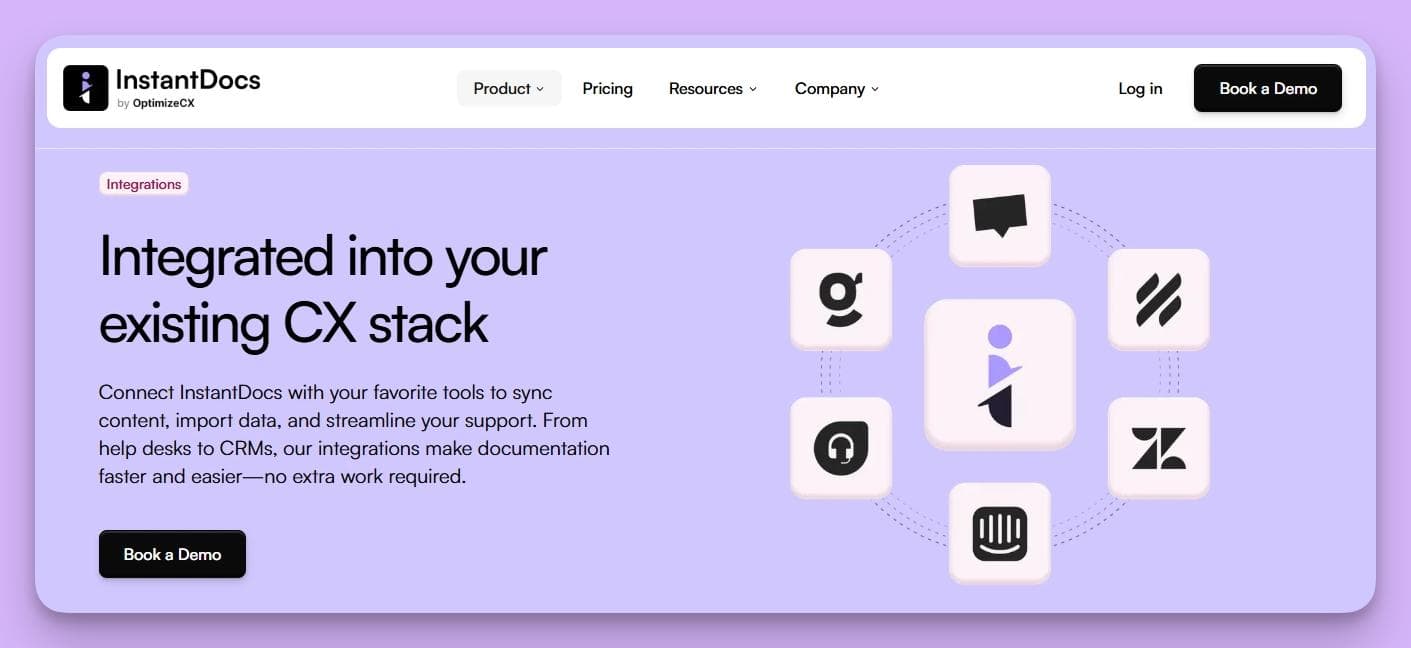
InstantDocs is structurally different. It proactively connects to your help desk such as Groove. It then identifies recurring questions from support tickets, and automatically suggests the exact articles you need to create to solve them.
It actively finds and fills your knowledge gaps, reducing future ticket volume.
3. AI-Powered Video Tutorials
Creating video tutorials with Document360 means using and paying for separate screen recording and editing tools, then uploading the final video file.
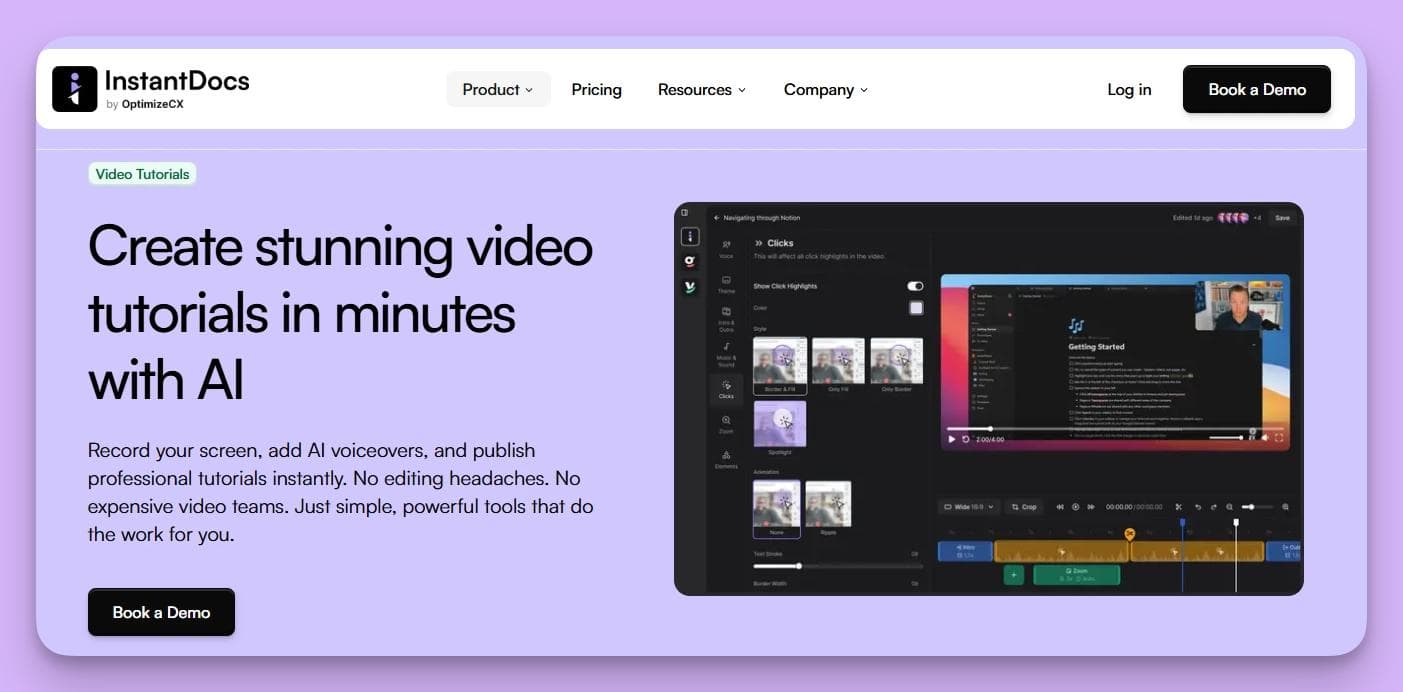
InstantDocs builds this in. Record your screen once, and the platform automatically generates a polished video tutorial with an AI voiceover, captions, and highlights.
It even offers translation into 35+ languages, providing a level of multimedia support that's impossible with a traditional knowledge base workflow.
Pros and Cons in Comparison to Document360
Pros
InstantDocs is a content creation engine, whereas Document360 is primarily a content management platform. Its ability to automatically generate guides from recordings and tickets solves the "outdated content" problem at its source.
This makes it a vastly superior choice for scaling companies focused on operational efficiency and proactive support.
Cons
Because InstantDocs is designed to be an automated hub connected to your help desk and screen recordings, the setup involves more than simply creating articles in an editor.
This initial investment in connecting your tools is what unlocks its significant time-saving and ticket-deflecting capabilities.
Who It’s For
InstantDocs is for the scale-up customer experience or support lead who understands that manual documentation is a bottleneck to growth.
If you’ve felt the pain of outdated articles and workflow friction, and are ready for an AI partner that creates content for you, InstantDocs is the tool you need.
Book your free demo today and free up your time.
Alternative #2. Confluence (by Atlassian)
Confluence is a team workspace and knowledge management tool designed as a central source of truth for an entire organization.
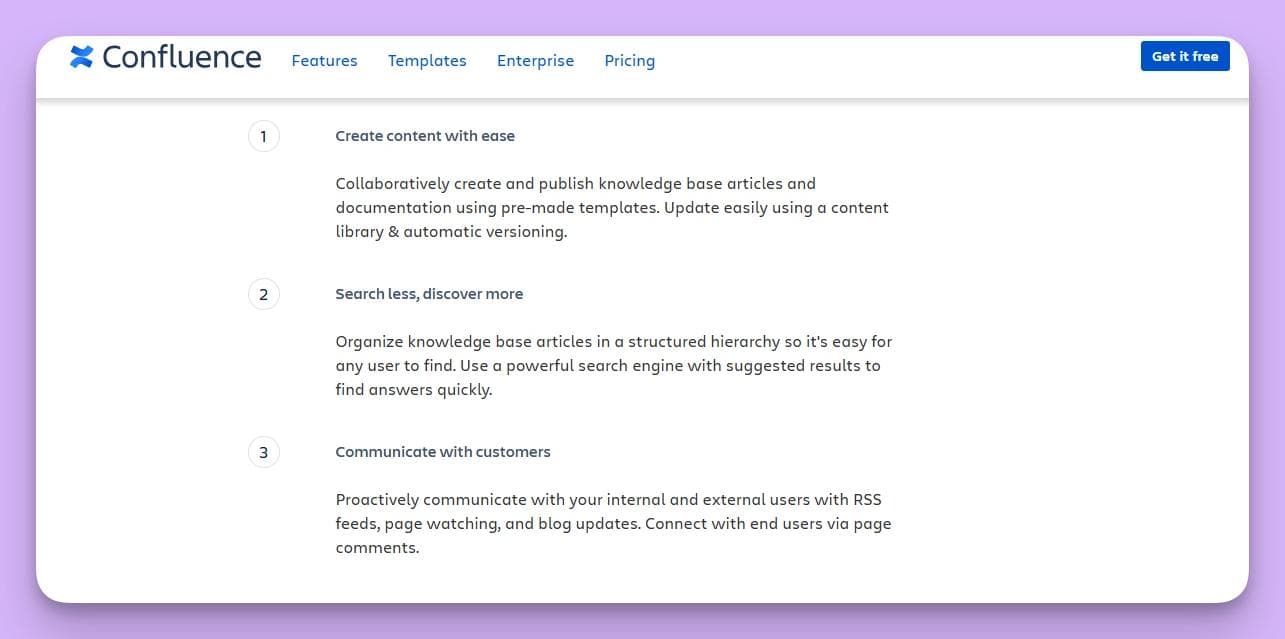
It's built for large, technical teams already in the Atlassian ecosystem, where its core purpose is organizing internal knowledge around software development and project management.
How Confluence's Features Outpace Document360
While Document360 is a specialized tool for creating a customer-facing knowledge base, Confluence offers a much broader platform for internal collaboration and documentation.
Here's how:
1.Deep Jira Integration
This is Confluence's standout feature. You can create, track, and report on Jira issues directly from a Confluence page. This creates a seamless workflow between development and documentation that Document360 can't match.
2. Real-Time Team Collaboration
Multiple team members can edit a single document at the same time, seeing each other's cursors and leaving comments.
This turns content creation into a collaborative workshop, ideal for co-authoring complex articles.
3. A Centralized Internal Wiki
Confluence uses "Spaces" and a page tree to organize all internal knowledge. In contrast, Document360 focuses only on external, customer-facing docs.
Pros and Cons in Comparison to Document360
Pros
Confluence’s free-forever plan for up to 10 users makes it highly accessible for small teams.
Its unbeatable Jira integration also makes it the default choice for companies that manage development work in the Atlassian suite.
Cons
The sheer breadth of features makes Confluence overwhelmingly complex if all you need is a simple customer help center.
It’s primarily an internal wiki, and making it a polished, public-facing knowledge base requires significant technical effort.
Who It’s For
Confluence is one of the Document360 alternatives for large, technical teams who need an internal knowledge hub that connects directly to their development workflow in Jira.
Alternative #3. Helpjuice
Helpjuice is a knowledge base platform focused on ease of use and customization.
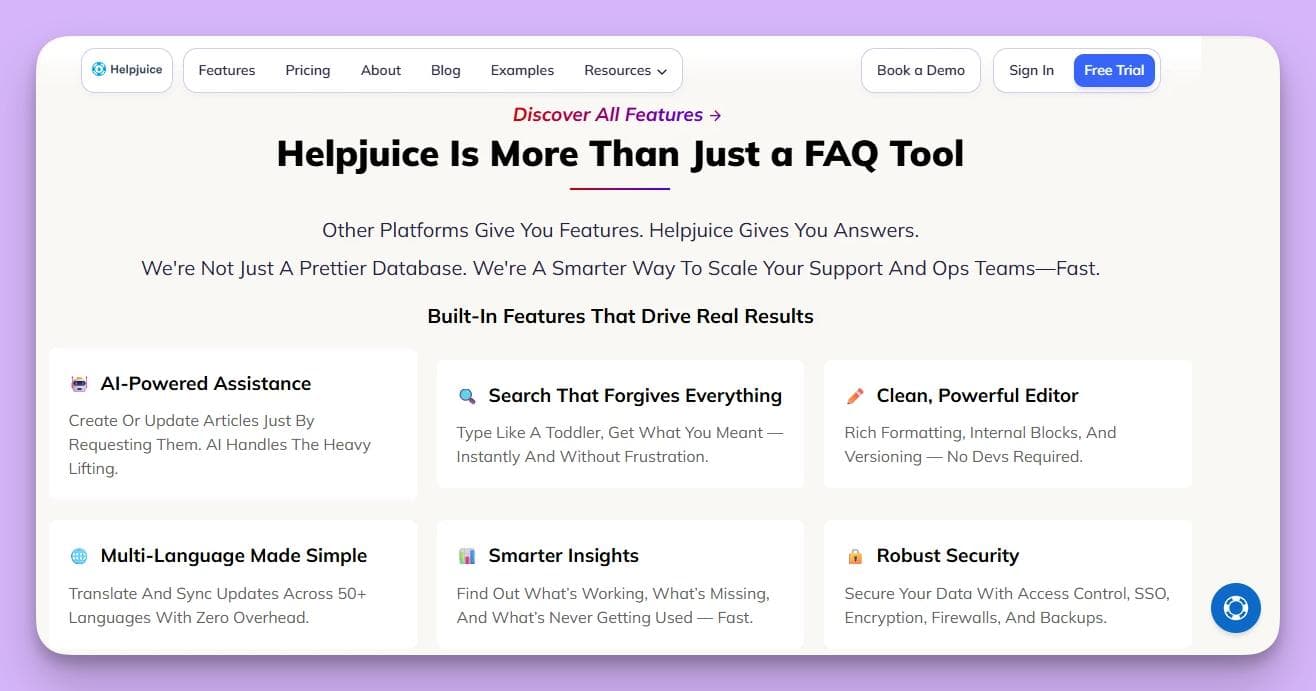
It's designed for teams that want deep control over their knowledge base's look and feel, with powerful analytics to measure content effectiveness and reduce support tickets.
How Helpjuice's Features Outpace Document360
Helpjuice competes directly with Document360 by offering a more intuitive and customizable experience, while still packing powerful features.
1.Effortless Customization
Helpjuice is known for its deep customization, providing dozens of themes and free expert help to ensure your knowledge base perfectly matches your brand.
This removes a significant setup hurdle.
2. Intelligent, "Google-Like" Search
Its search engine is a core feature, designed to understand user intent, not just keywords. This focus on a seamless search experience helps customers find answers faster.
3. In-Depth Analytics
The platform provides detailed reports on what users are searching for and which articles are effective. This data helps teams make smarter decisions about what documentation to create or improve next.
Pros and Cons in Comparison to Document360
Pros
Helpjuice is incredibly easy to customize, and its powerful search helps deliver a better end-user experience. A key benefit is that all features are included in all plans. This means you only pay for more users.
Cons
Helpjuice has a high starting price (from $249 for an official knowledge base without full AI suite), which can be a barrier for smaller teams.
And while its analytics are great for identifying content gaps, it's still a manual process for your team to write and publish those articles.
Who It’s For
Helpjuice is a Document360 alternative for companies that prioritize a highly-customized design and a powerful search experience.
It's also a good option if you have the budget for a premium content management platform.
Alternative #4. Guru
Guru is an AI-driven internal wiki that lives inside your other tools, like Slack and Microsoft Teams.
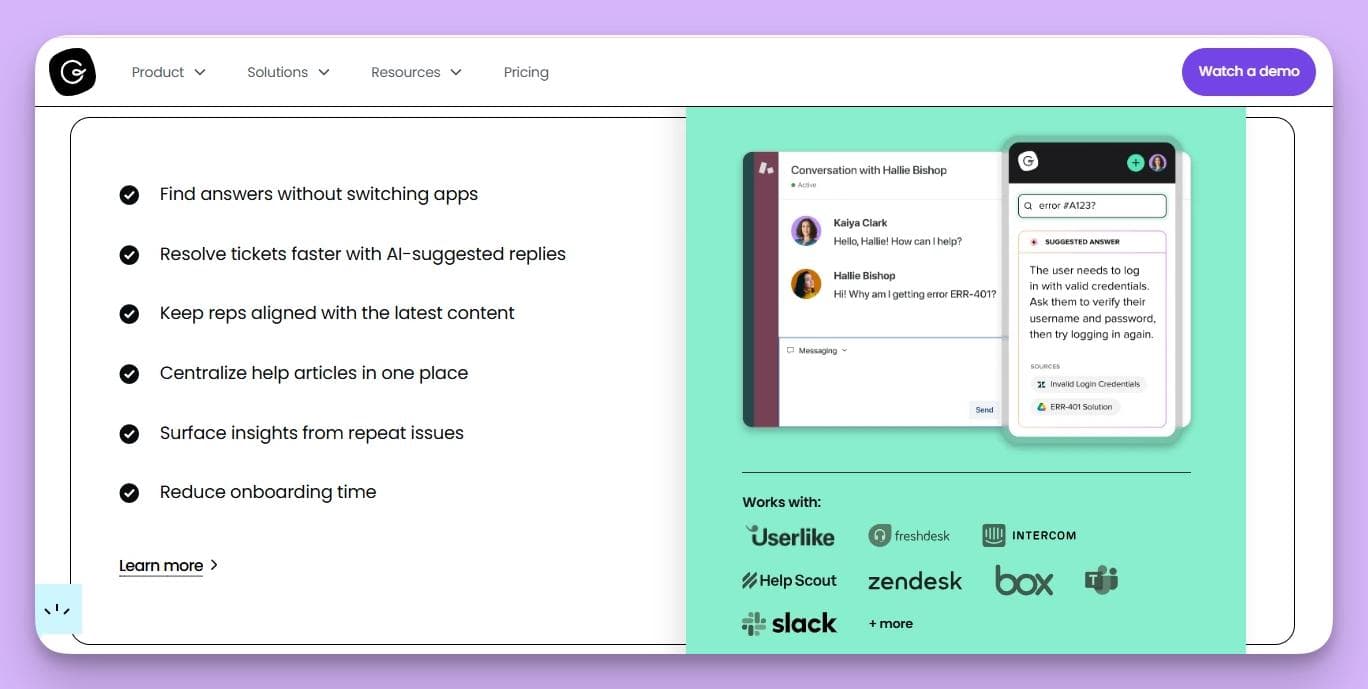
It emphasizes capturing and sharing verified knowledge in real-time, ensuring every employee can access information without breaking their workflow.
How Guru's Features Outpace Document360
Guru strives to bring knowledge to you, instead of making you go find it.
Here are some of its standout features:
1.Knowledge in Your Workflow
Guru's browser extension and deep Slack/Teams integration are its core strengths. Your team can capture, search, and view knowledge without ever leaving their current application.
2. Built-in Content Verification
Guru has a unique verification workflow that prompts experts to regularly check and update content. This ensures information never goes stale, thus solving a major pain point of traditional knowledge bases.
3. AI-Powered Suggestions
Guru’s AI proactively suggests relevant knowledge "Cards" to your team based on the context of their conversations in Slack or the page they're viewing.
Pros and Cons in Comparison to Document360
Pros
Guru offers a free plan for up to 3 users. This makes it great for small teams.
Its biggest advantage is bringing knowledge directly into your daily workflow, which boosts support team adoption and saves time.
Cons
Guru is not designed for public-facing, customer knowledge bases since it's an internal-only tool.
Its bite-sized "Card" format is also less suited for long-form, structured articles.
Who It’s For
Guru is a great Document360 alternative for internal teams, such as sales, support, and HR, that need fast, verified answers inside the tools they use every day.
Alternative #5. Bloomfire
Bloomfire is a collaborative knowledge engagement platform combining a traditional knowledge base with strong AI search and community Q&A tools.
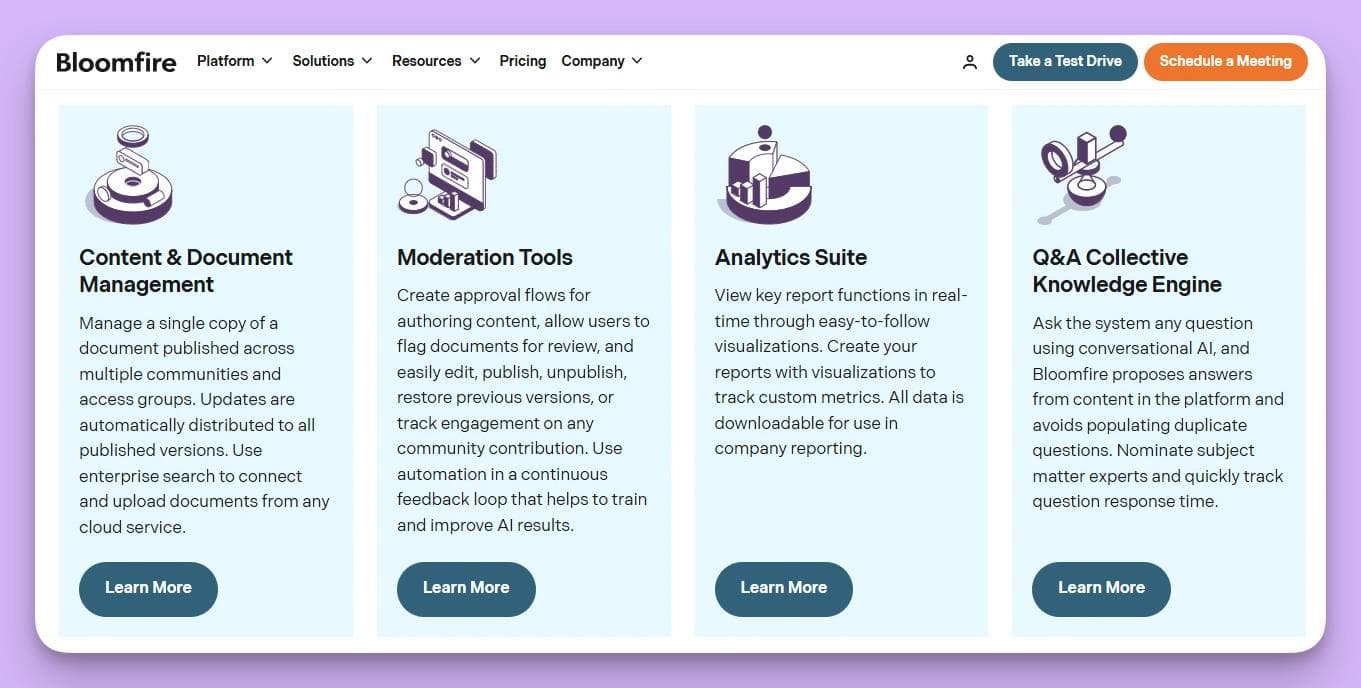
It's designed to help teams find information and share insights easily, making it great for sales enablement and internal knowledge sharing.
How Bloomfire's Features Outpace Document360
Bloomfire’s main advantage is its AI-driven search that includes your team's collective intelligence.
Here’s a closer look at how it achieves this:
1.Deep AI Search
Bloomfire’s AI can transcribe and search the spoken word inside video and audio files. This allows users to find a specific topic mentioned in the middle of a long recording, which is a level of discoverability that Document360 can't offer.
2. Community Q&A
The platform includes a Q&A feature where team members can ask questions and get expert answers. These interactions are then indexed and become a permanent, searchable part of the knowledge base.
3. Rich Multimedia Support
Bloomfire is built to natively handle a wide variety of content types beyond text, including video, audio, and slide decks, making it a more flexible information hub.
Pros and Cons in Comparison to Document360
Pros
Bloomfire’s AI-powered search across all media types is its killer feature.
The integrated community Q&A also provides a solid path to surface and share expertise organically.
Cons
Bloomfire does not offer public pricing, suggesting an enterprise-level cost unsuitable for smaller companies.
It also relies on your team to manually create all the primary content.
Who It’s For
Bloomfire is an excellent Document360 alternative for large organizations with sales enablement or market research teams who need to surface insights from a wide variety of multimedia content.
Alternative #6. Nuclino
Nuclino is a lightweight and fast internal wiki that combines real-time collaboration with visual ways to organize knowledge, like boards and graphs.
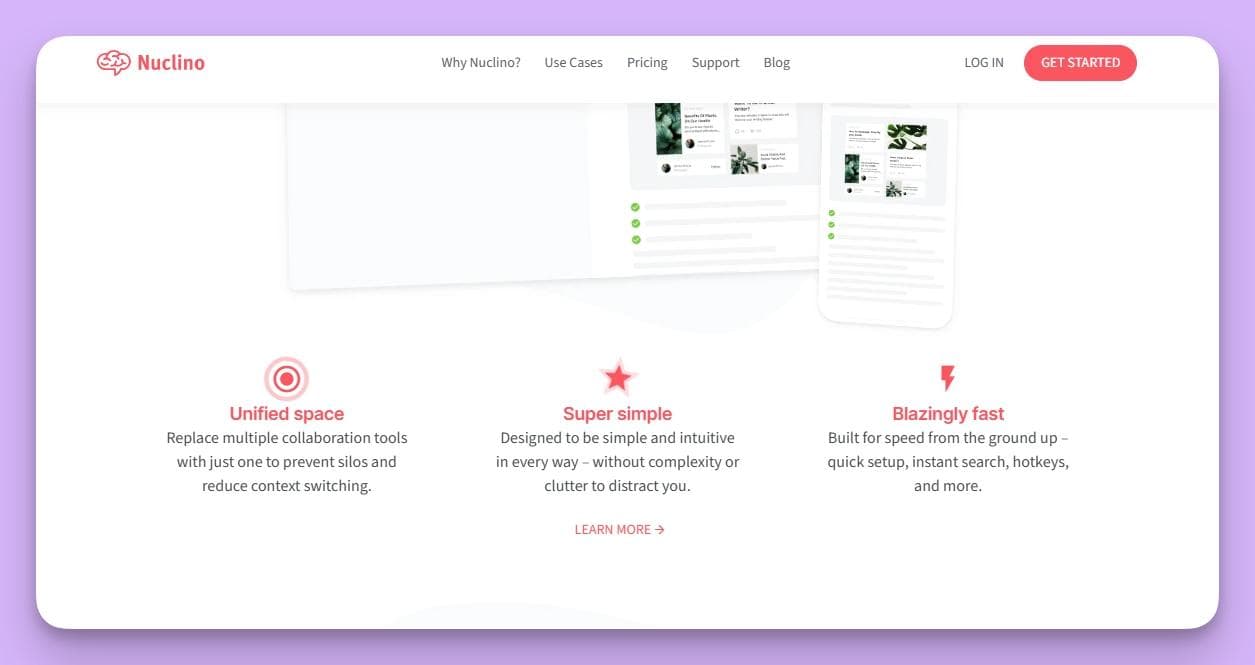
It’s designed as a collective brain for teams that value speed and simplicity, making it ideal for fast-moving startups.
How Nuclino's Features Outpace Document360
Nuclino is less about formal documentation and more about creating a fast, living knowledge graph.
Here’s how it creates that experience:
1.Visual Knowledge Organization
This is Nuclino's standout feature. You can instantly switch between a list, a Kanban-style board, and a mind map-style graph view. This helps teams see how knowledge is connected.
2. Fast and Simple
Nuclino is engineered for speed. The entire interface is clean, instant, and incredibly easy to learn, making it a refreshing choice for teams frustrated by the lag of heavier platforms.
3. Effortless Real-Time Collaboration
Every document in Nuclino is a real-time collaborative document. The editing experience is as seamless as Google Docs, which makes it easy for teams to work together on content.
Pros and Cons in Comparison to Document360
Pros
Nuclino offers a generous free plan and very affordable paid plans.
Its speed and ease of use are its biggest strengths, and its unique visual organization tools are a major benefit for agile teams.
Cons
The focus on simplicity means Nuclino lacks the advanced features of a more robust platform, like granular permissions or detailed analytics.
It’s also better suited for internal use.
Who It’s For
Nuclino is one of the best Document360 alternatives for startups and small, agile teams who need a fast, simple, and collaborative internal wiki and value ease of use over enterprise features.
Choose InstantDocs; The #1 AI Documentation Software
Choosing the right Document360 alternative comes down to your team's core needs. Whether you need a powerful internal wiki like Confluence, a deeply customizable platform like Helpjuice, or a lightweight solution like Nuclino, there’s a tool for almost every use case.
However, all these alternatives share one fundamental challenge: they are platforms for managing documentation, but the heavy burden of manually creating that content still falls entirely on your team.
If your main bottleneck isn't managing content, but the time-consuming process of creating it, then you need more than just another library.
You need a content engine.
Stop Doing Double the Work. Turn one screen recording into a polished video tutorial, a step-by-step article, and annotated screenshots in minutes with InstantDocs.
SaaS teams are already achieving real results with InstantDocs:
- Conzent ApS cut their documentation creation time by 90%.
- Busable saved over 93 hours by plugging InstantDocs directly into their development workflow.
- C2Keep launched a clean, branded knowledge base in days, not months.
Ready to see how you can cut your documentation time and launch features without the headache?
Book a FREE demo today!


Instantly build support docs that delight.
Book a demo